LogBook360Loading
Skip to content
LogBook360
Healthcare

Healthcare Visitor Management System for Hospitals and Clinics

Hospitals and clinics welcome patients, family members, contractors, vendors, and other visitors every day. Managing these arrivals manually can make it difficult to maintain accurate visitor records, control access to sensitive areas, and keep front-desk operations organized. LogBook360 is a healthcare visitor management system that helps healthcare facilities manage visitor registration, identity verification, screening, access permissions, and digital visitor records through a centralized platform.

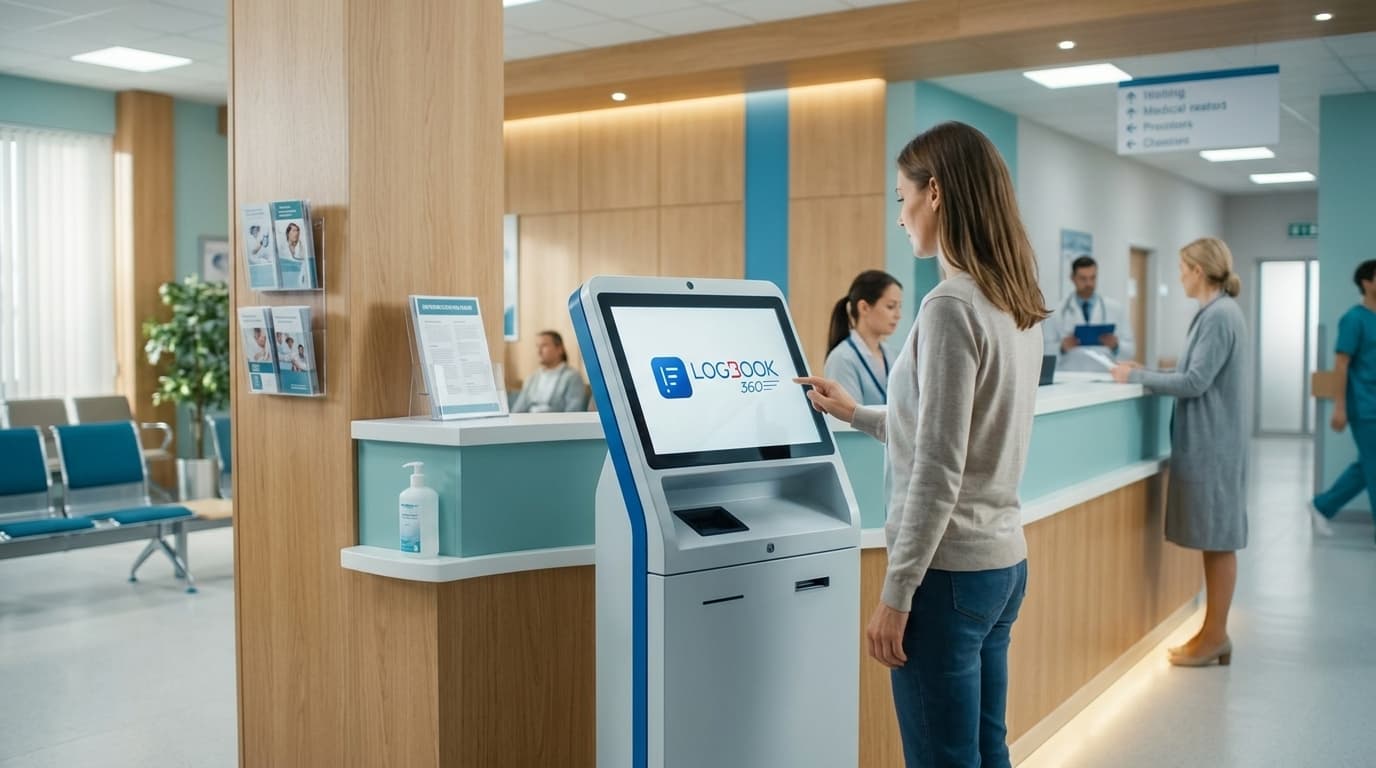
Healthcare visitor management system helping visitors check in at a hospital reception.
Settings

Simplify Visitor Management Across Healthcare Facilities

Healthcare facilities need a simple way to manage visitors while keeping records organized. LogBook360 helps teams handle visitor check-in, screening, host notifications, and digital visitor records from one system.

Manage Visitors Across Different Healthcare Settings

  • Hospitals and Medical Centers

    Manage visitors across busy entrances, departments, and patient areas with organized check-in and visitor records.

  • Outpatient Clinics and Medical Offices

    Keep patient visitors, caregivers, vendors, and other guests organized with a simple check-in process.

  • Pediatric Healthcare Facilities

    Make visitor check-in easier for families while keeping visitor information organized and accessible to authorized staff.

  • Urgent Care Centers

    Manage visitor arrivals efficiently in fast-paced environments where quick and organized check-in matters.

  • Rehabilitation and Therapy Centers

    Keep track of visitors, caregivers, and service providers with digital visitor records.

  • Diagnostic and Specialty Care Facilities

    Organize visitor access for patients, caregivers, vendors, and other approved visitors.

Check-in

Contactless Visitor Check-In for Healthcare Facilities

A Healthcare Visitor Check-In System helps reduce manual sign-in and organize visitor arrivals. LogBook360 supports contactless check-in, visitor registration, identity verification, and digital visitor records through QR and digital check-in workflows.

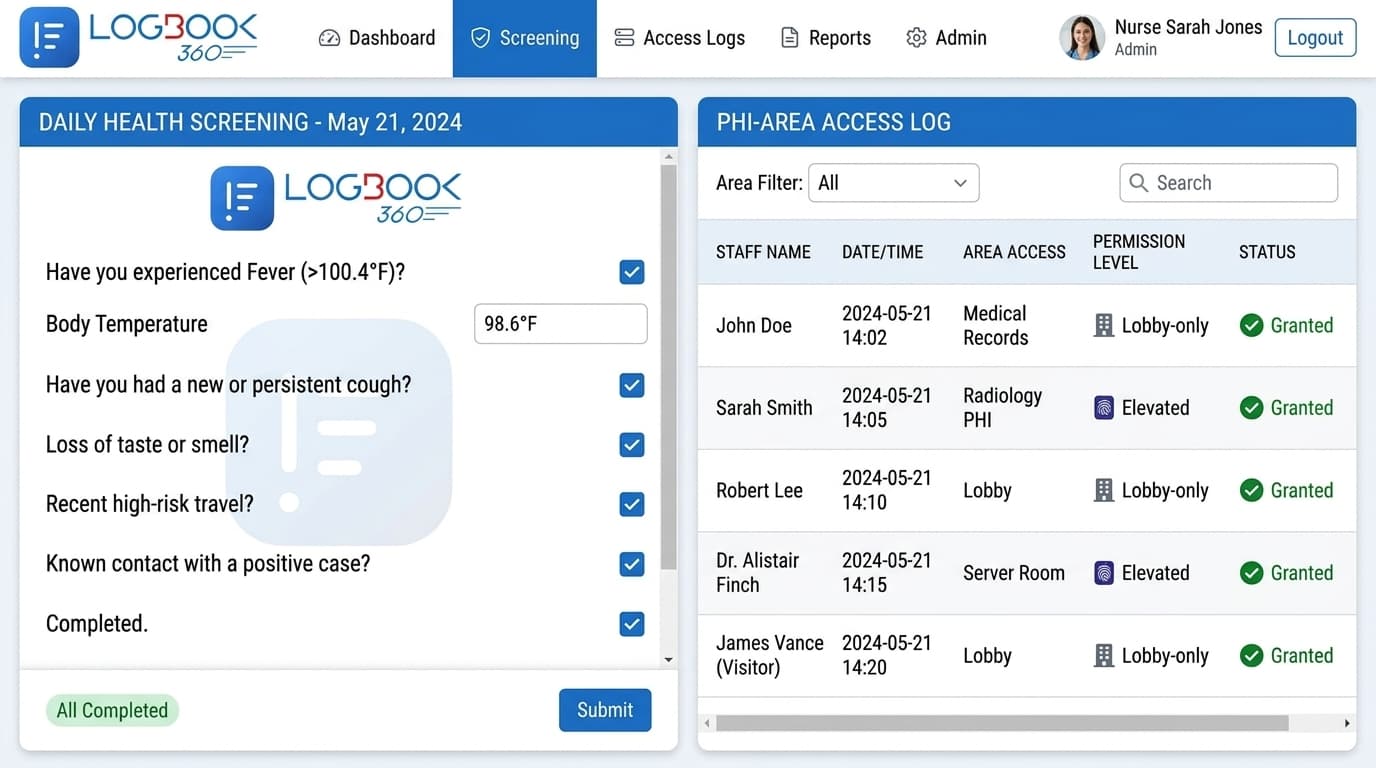
LogBook360 healthcare screening form and restricted-area access log.
  • QR Code Visitor Check-In

    Let visitors scan a QR code to start their check-in, enter the required details, and complete the facility’s configured verification process.

  • Visitor Pre-Registration

    Schedule visits in advance and share registration details with guests, so visitors can complete the required steps before they arrive.

  • Digital Visitor Sign-In System

    Replace paper sign-in sheets with a Digital Visitor Sign-In System that records visitor details and check-in activity in one place.

Workflow

How Healthcare Visitor Check-In Works

LogBook360 keeps visitor check-in simple, from registration to visit completion.

  1. Step 1

    Register

    Visitors enter their required details through the configured registration or check-in workflow.

  2. Step 2

    Verify & Screen

    Visitors complete the required identity verification and screening steps.

  3. Step 3

    Review Access

    Authorized staff review visitor details and approve access based on facility policies.

  4. Step 4

    Notify the Host

    The relevant host or staff member is notified when the visitor arrives.

  5. Step 5

    Record the Visit

    Visit details and timestamps are recorded for authorized staff to review.

Records

HIPAA-Oriented Visitor Records and Audit Logs

Healthcare facilities need to manage access to sensitive areas and maintain clear visitor records. LogBook360’s Healthcare Visitor Management System supports visitor recordkeeping, access management, and physical security workflows for authorized teams.

Digital Visitor Audit Logs

Keep digital records of visitor activity, visit details, and timestamps for easier review and access oversight.

Visitor Record Retention

Manage visitor record retention based on your organization’s policies and applicable requirements.

Access to Visitor Records

Use permissions to ensure visitor information is available only to authorized personnel.

HIPAA Physical Safeguards Support

Support physical safeguard workflows by documenting visitor activity and managing access to designated areas.

Vendors

Manage Vendors, Contractors, and Healthcare Representatives

Healthcare facilities receive vendors, contractors, service providers, and other external visitors. LogBook360 helps manage their registration, screening, access, and visit records in one place.

  • Vendor Registration and Screening

    Capture vendor details and complete the facility’s screening and approval process before access.

  • Business Associate Agreement Status

    Track BAA status where applicable as part of the vendor approval process.

  • Contractor Visit Records

    Keep digital records of contractor visits, including who visited, when they arrived, and visit details.

Monitoring

Real-Time Visitor Monitoring Across Healthcare Facilities

Knowing who is on-site helps healthcare teams coordinate visitor activity and respond to operational needs. LogBook360 provides visitor visibility through a centralized interface, with records and status information available to authorized users.

  • Live Visitor Status

    Review visitor activity and available check-in status information to understand who has registered, checked in, or completed a visit.

  • Multi-Entrance Visitor Management

    Manage visitor check-in workflows across multiple entrances using centralized visibility and facility-specific configurations.

  • Multi-Location Healthcare Management

    Organizations with multiple healthcare facilities can manage visitor operations across locations through a centralized platform, subject to the features and permissions configured for their deployment.

Emergency

Emergency Alerts and Visitor Mustering

During an emergency, healthcare teams may need to identify visitors who are on-site and coordinate their response. LogBook360 supports emergency alerts and digital mustering workflows that help authorized personnel collect visitor status information.

  • Emergency Notifications

    Send emergency notifications through supported workflows to inform relevant people about an incident and provide instructions.

  • Digital Mustering and Safety Responses

    Visitors can respond to supported safety prompts, such as indicating that they are safe or need assistance. Authorized personnel can review the responses and available visitor records to support emergency coordination.

  • Visitor Accountability

    Use available visitor check-in records and safety responses to help identify people who may need follow-up during an emergency.

Specialized care

Contactless Check-In for Clinics and Specialized Care

Give different healthcare settings a simpler way to manage visitor arrivals with contactless check-in, digital registration, and visitor records.

  • Contactless Check-In for Clinics

    Use Touchless Visitor Check-In and QR-based registration to make visitor arrivals easier and reduce paper sign-ins.

  • Pediatric Facility Visitor Check-In

    Manage visitor registration and check-in for children’s healthcare facilities, including approved parents, guardians, and guests.

  • Urgent Care Visitor Check-In

    Keep visitor registration and check-in organized in busy urgent care settings without mixing it with patient intake.

  • Dental and Therapy Facility Visitor Management

    Manage visitor arrivals and digital records across dental practices, therapy centers, and other specialized care facilities.

Why LogBook360

Why Healthcare Facilities Use LogBook360

LogBook360 helps healthcare organizations move from manual visitor sign-in processes to a more organized digital workflow. It brings visitor registration, screening, access management, and visitor records into one platform.

  • Reduce Manual Visitor Registration

    Replace paper-based visitor sign-in with digital registration and check-in workflows that help front-desk teams manage arrivals more consistently.

  • Improve Visitor Visibility

    Give authorized staff a centralized view of visitor activity and available status information across configured locations.

  • Support Consistent Visitor Screening

    Use configured screening and approval workflows to help staff apply visitor policies consistently.

  • Maintain Organized Visitor Records

    Keep digital visitor records that authorized personnel can review when managing access, investigating incidents, or preparing internal reports.

  • Coordinate Visitor Safety

    Use supported emergency notifications and mustering workflows to help healthcare teams coordinate visitor safety responses.

FAQ

Frequently Asked Questions About Healthcare Visitor Management

A healthcare visitor management system helps hospitals, clinics, and other healthcare facilities manage visitor registration, check-in, screening, access, and digital visitor records in one organized workflow.

A hospital visitor management system collects visitor information, supports identity verification and screening, notifies or routes requests to the appropriate host, and keeps a digital record of the visit. Workflows can be configured according to the facility's visitor policies.

Yes. LogBook360 can support centralized visitor management across configured locations and entrances, helping authorized teams manage visitor activity from a consistent system.

Yes. LogBook360 supports visitor registration and screening workflows for vendors, contractors, service providers, and other external personnel. Facilities can configure approval and access processes based on their requirements.

LogBook360 supports digital and contactless visitor check-in workflows, including supported QR code registration and check-in options. Patient intake and clinical registration are separate workflows unless specifically supported.

LogBook360 can support digital and printed visitor badges with relevant visitor and visit information. Badge workflows can be configured based on the facility's visitor management requirements.

Digital visitor management can bring registration, identity verification, screening, approval, and visitor records into a more consistent workflow, helping staff follow configured visitor policies at the point of entry.

Yes. LogBook360 maintains digital visitor records that authorized personnel can use to review visitor activity, entry and exit history, and other available visit information.

LogBook360 supports emergency notification and digital mustering workflows. Authorized personnel can use available visitor information to help coordinate visitor safety during an emergency.

No. LogBook360 is designed for healthcare visitor management and physical access workflows. It is not a replacement for EHR, patient registration, medical billing, or clinical scheduling systems unless a specific capability or integration is available.

Yes. Clinics can use supported digital visitor registration and check-in workflows to manage visitor arrivals, collect visitor information, and maintain digital visitor records according to their policies.

Book a Free Demo

From visitor check-in to screening and emergency coordination, manage healthcare visitors in one place.

Continue the tour
  • Emergency Management

    Send alerts and manage emergency responses.

    Explore
  • Watchlist Screening

    Screen visitors against configured watchlists.

    Explore
  • Access Control

    Manage access to designated areas.

    Explore
Ask ALBi…