
Residential Visitor Management System for Apartments, Condos & Multifamily Communities
Give residents, guests, property managers, and security teams a better way to manage who enters their community. LogBook360 simplifies visitor management for apartments and residences with guest invitations, visitor check-in, package deliveries, access control, and resident notifications: all through one Residency Visitor Management System.
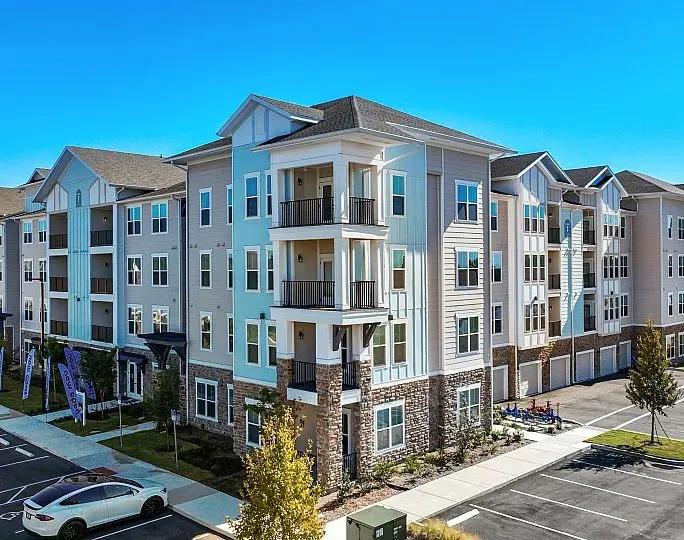
Managing Residential Visitors Shouldn't Be Complicated
Residential communities welcome guests, contractors, delivery drivers, and service providers every day. Paper logs, phone calls, and manual approvals make it harder to manage arrivals and keep track of who's on the property. LogBook360's Residency Visitor Management System helps property teams keep visitor check-in, approvals, and daily activity organized.
Let Residents Approve Guests Before They Arrive
No more repeated calls to confirm who's visiting. Residents can invite guests in advance and share their visit details and QR code for check-in. Security teams know who to expect, and guests can arrive with less waiting at the gate.
From Guest Invitation to Check-In
LogBook360's Residential Visitor Management System simplifies guest arrivals, keeps residents informed and maintains digital visitor records from invitation to check-in.
- 01Resident Creates an Invitation
Residents share guest details and send an invitation before the visit.
- 02Guest Receives the Invite
Guests receive their visit details and QR code for check-in.
- 03Guest Arrives
Security teams can check the expected visitor details at the entrance.
- 04QR Code Check-In
Guests scan their QR code for a quicker, more organized check-in.
- 05Resident Gets Notified
Residents receive a notification when their guest arrives.
- 06Visit Is Recorded
Visitor details and visit activity are stored digitally for easy reference.
LogBook360 vs. Manual Visitor Management
| Manual Visitor Management | With LogBook360 |
|---|---|
| More time spent at the gate | Faster visitor check-in |
| Repeated calls to confirm guests | Easier guest approvals and notifications |
| Paperwork and manual entries | Less paperwork for security teams |
| Difficult to find past visit details | Visitor records that are easy to review |
| Unclear package status | Better delivery and pickup visibility |
A Faster Visitor Check-In Experience for Residents & Guests
When guests arrive, LogBook360 gives your front desk, concierge, or security team a digital way to manage visitor check-in and host notifications.
Know Who Is Entering Your Community
LogBook360's Residence Management System helps property teams verify visitors, manage entry permissions and screen guests before granting access.
Manage Residential Packages Alongside Visitors
LogBook360's Residential Visitor Management System helps property teams track incoming packages, notify residents and manage pickups alongside visitor activity.
Give Your Concierge Team One Place to Work
LogBook360's Residential Visitor Management System brings visitor activity, resident notifications and delivery tracking into one place, helping front-desk teams manage daily operations more efficiently.

Connect Visitor Management With Residential Access
LogBook360 connects visitor workflows with compatible access control systems, including Genetec, Lenel S2, Brivo, Honeywell, HID Global and Cisco Meraki, helping streamline visitor access and security operations.
- Visitor
- Verification
- Access
- Record
- Visitor access management
- Resident and guest workflows
- Access control integrations
- Centralized visitor records
- Multi-location visibility
Manage Multiple Buildings From One Dashboard
LogBook360 enables centralized visitor management across multiple buildings, entrances and residential locations from one platform.
One platform. Multiple residential locations. Centralized visibility.
Explore multi-location managementIllustrative sample data.
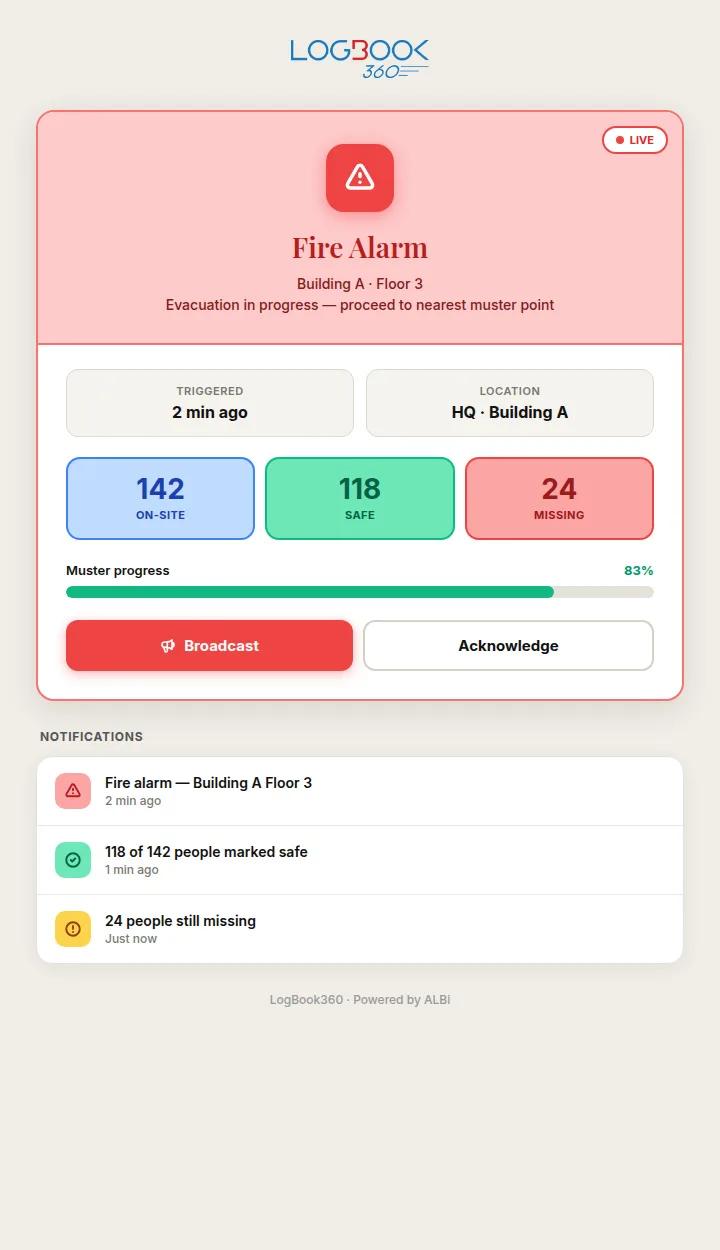
Know Who Is On-Site During an Emergency
LogBook360 helps property teams send emergency alerts, access visitor records and track safety responses for a more coordinated emergency response.
- Emergency Alerts: Notify people on-site about an emergency and share important instructions.
- People on-Site: Access available visitor records to understand who may be present in the community.
- Safety Status Updates: Let people respond with “I’m Safe” or “I Need Help.”
- Digital Muster: View reported safety statuses to help identify people who may need assistance.
- Coordinated Response: Give property and security teams information to help prioritize follow-up during an emergency.
Keep Every Visit on Record
LogBook360's Visitor Management System for Apartments keeps visitor records organized, making it easy to check who visited, whom they met, and their arrival and departure times.
- Visitor Details: Keep visitor information in one place.
- Resident or Host: See who the visitor came to meet.
- Check-In & Check-Out: Review arrival and departure times.
- Visitor Status: Check visit activity and status.
- Screening & Access Events: Review available screening results and access records.
- Delivery Records: Keep package arrivals and pickup details organized.
- Checked outSample guest 1Unit 12B · 09:42 to 11:05
- On-siteSample contractorUnit 7A · 10:15 to now
- ExpectedSample guest 2Unit 4C · Expected 14:00
- Checked outSample courierFront desk · 11:30 to 11:36
Illustrative sample data.
Keep Visitor Information Protected and Organized
LogBook360's Residential Visitor Management System helps protect visitor information through configurable permissions, data retention and audit records, supporting residential security and privacy requirements.
A Better Visitor Experience for Everyone in Your Community
LogBook360's Residential Visitor Management System connects residents, guests, property managers, concierge staff and security teams to simplify visitor arrivals, deliveries and records.
See How Opera Towers Manages Security Across a 55-Story Property
Managing visitor access in a large residential property takes coordination across entrances and secured areas. At Opera Towers in Miami, LogBook360 was deployed across 26 facial-recognition devices and 8 secured zones, with access events centrally logged and monitored. See how the property uses LogBook360 to support visitor access management across its residential environment.
Frequently Asked Questions About Residential Visitor Management
Make Every Residential Arrival Safer and Simpler
Provide residents, guests, concierge teams, property managers, and security teams with one connected platform for visitor management, guest access, packages, and property visibility.